See a library’s style before you open it
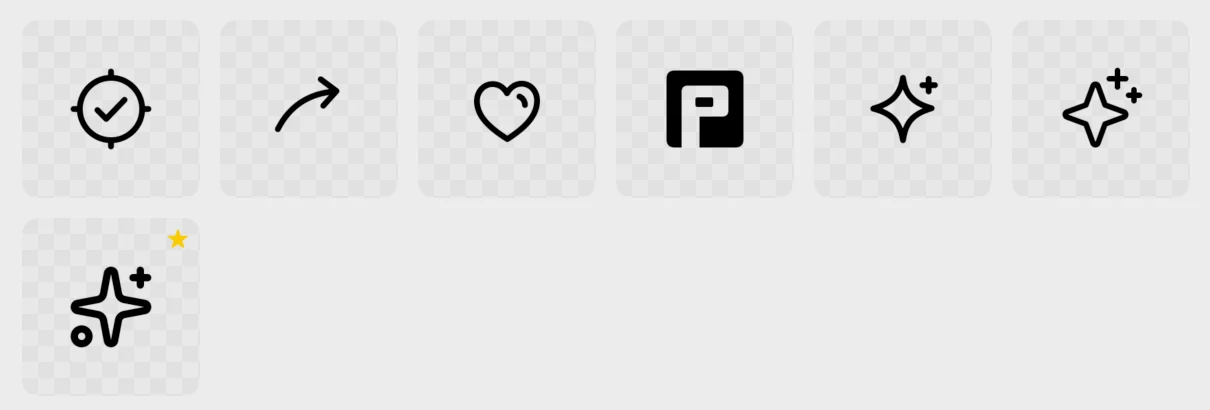
All Icons shows every library as a card with sample icons, available styles and its license.
 Picket
Picket keeps 141,602 open-source icons and your own SVGs in one native Mac app. Search 33 libraries at once, adjust what you need, then copy or drag it straight into your work.
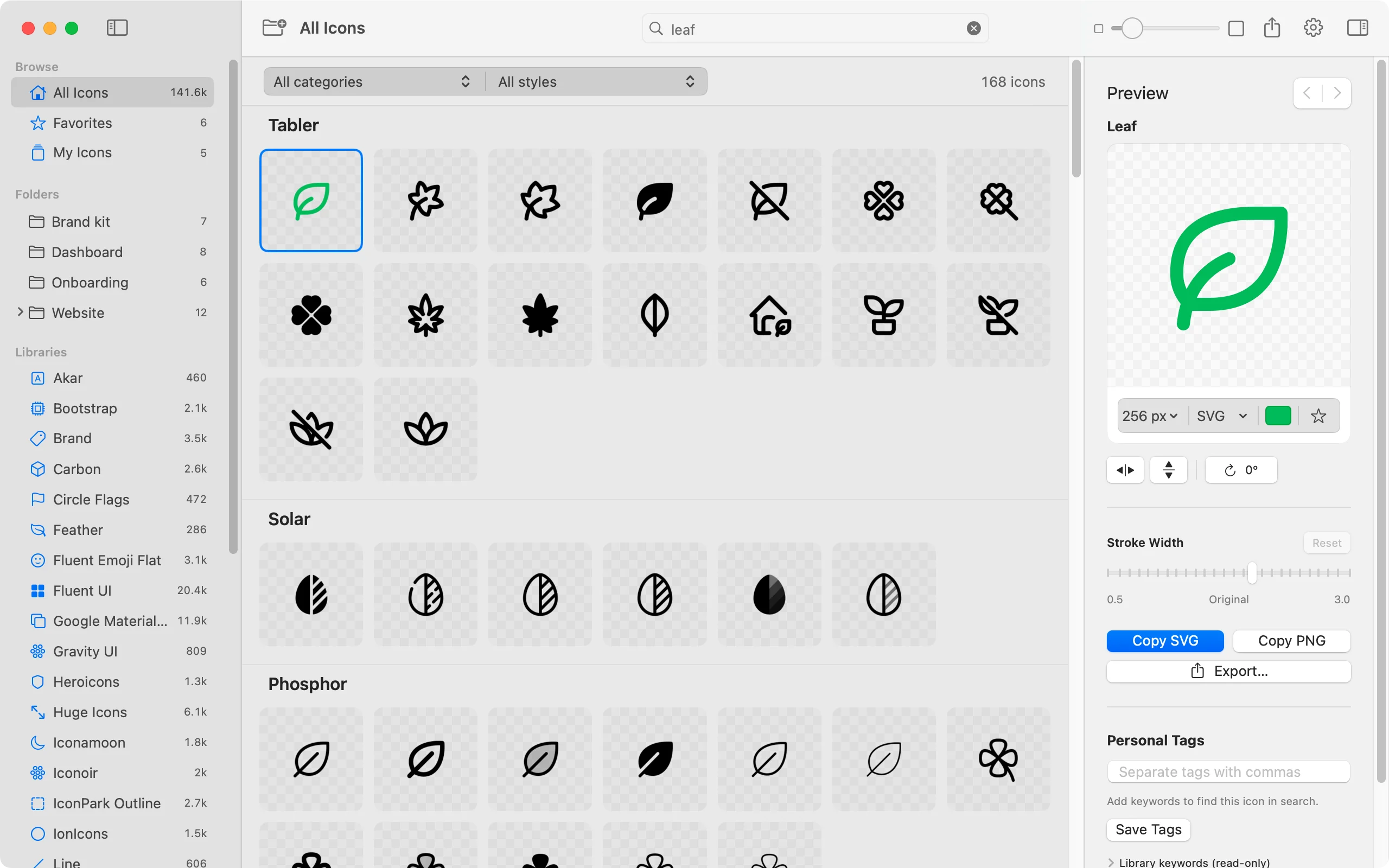
The Picket beta on macOS.
141,602icons, downloaded once
Offlinesearch, copy and export
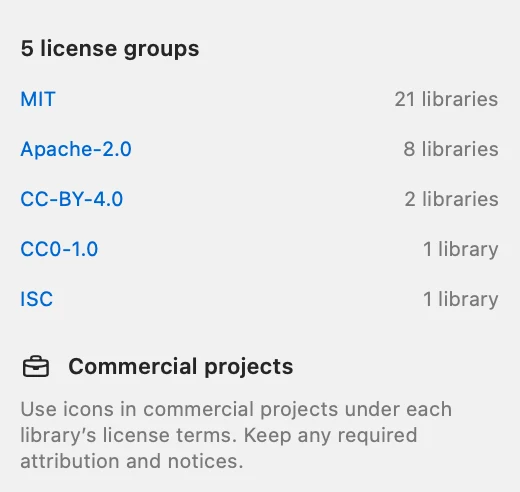
Every library keeps its own license, shown next to its icons in Picket.
Search every library at once, or browse one with category and style filters.
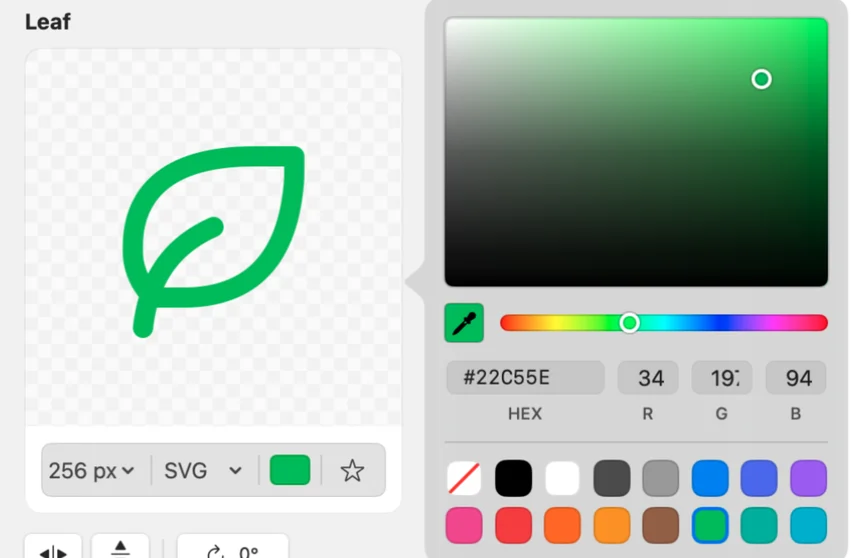
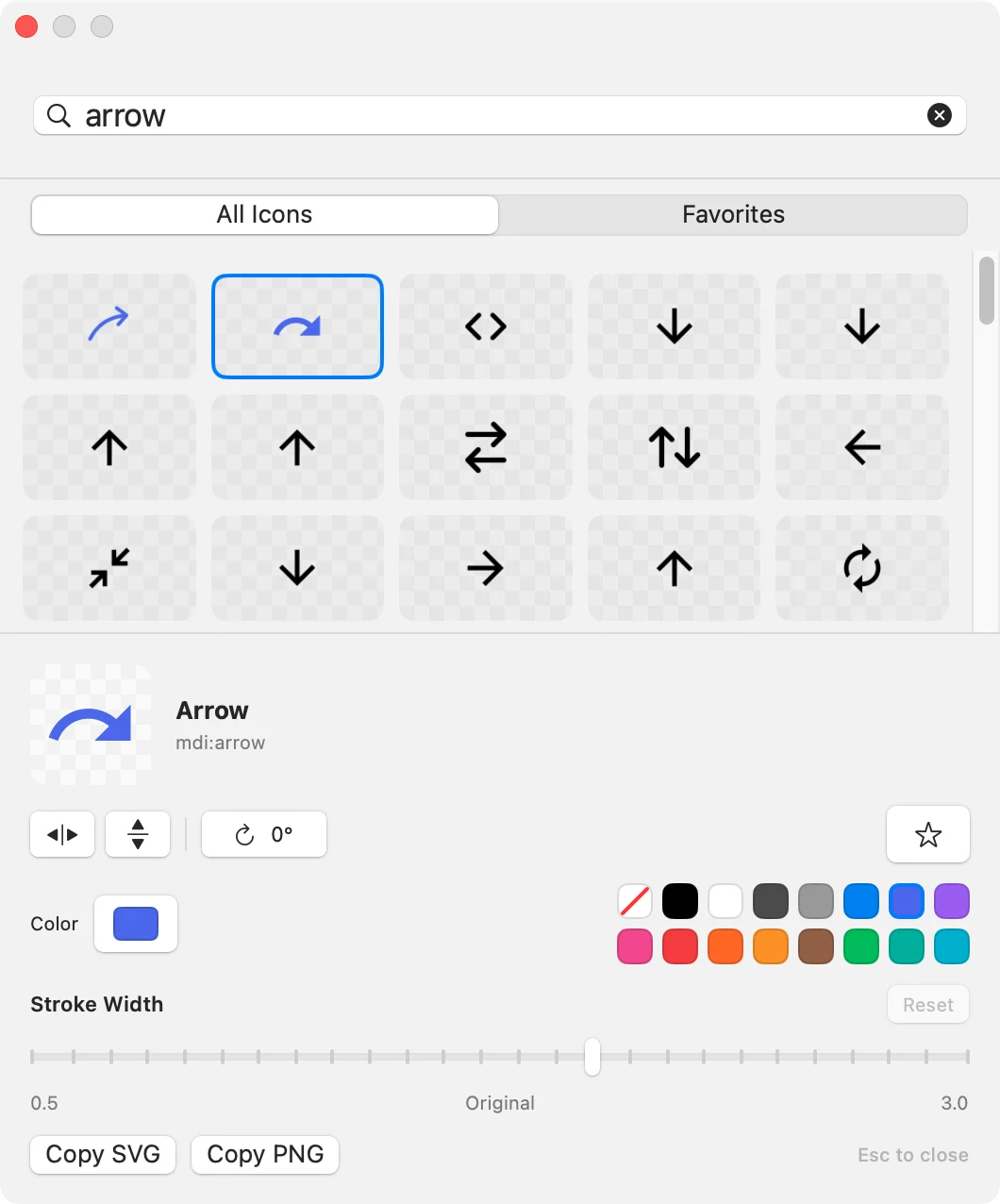
See howChange colour and stroke, flip or rotate, and preview before you copy.
See howFolders hold catalog finds and your own SVGs side by side.
See howCopy SVG or PNG, export variants, drag out, or open the Quick Panel.
See howFind
141,602open-source icons
33libraries, plus your own

All Icons shows every library as a card with sample icons, available styles and its license.
Every library allows personal and commercial use, and Picket shows each one’s license right beside its icons.
Adjust
0.5–3.0stroke width, where supported
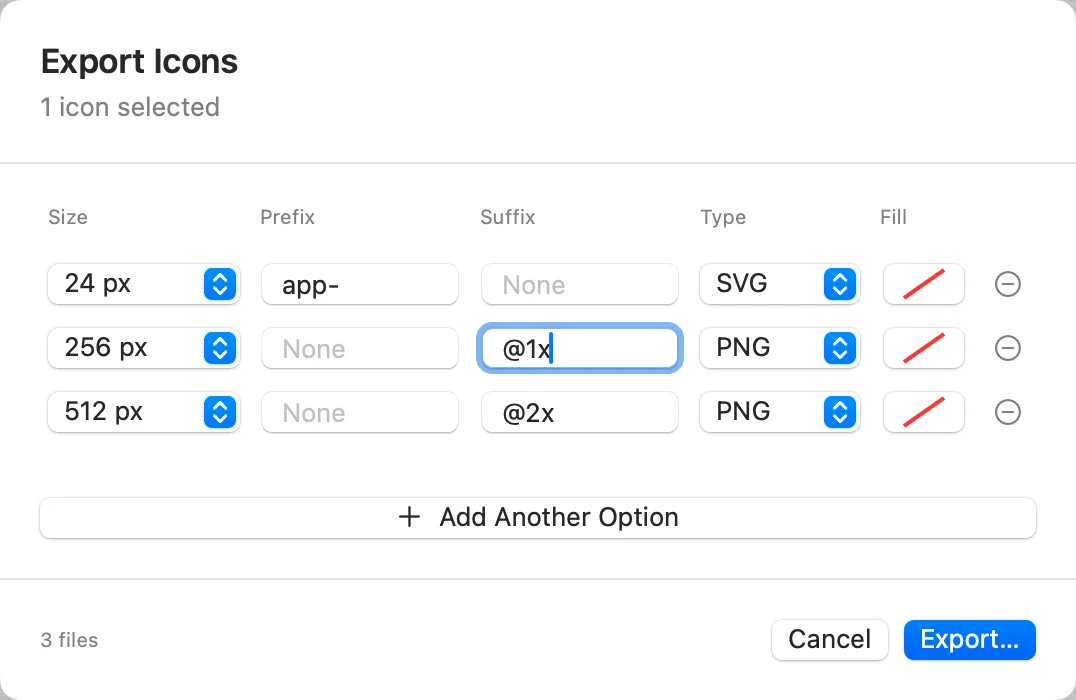
24–4,096pixel export sizes
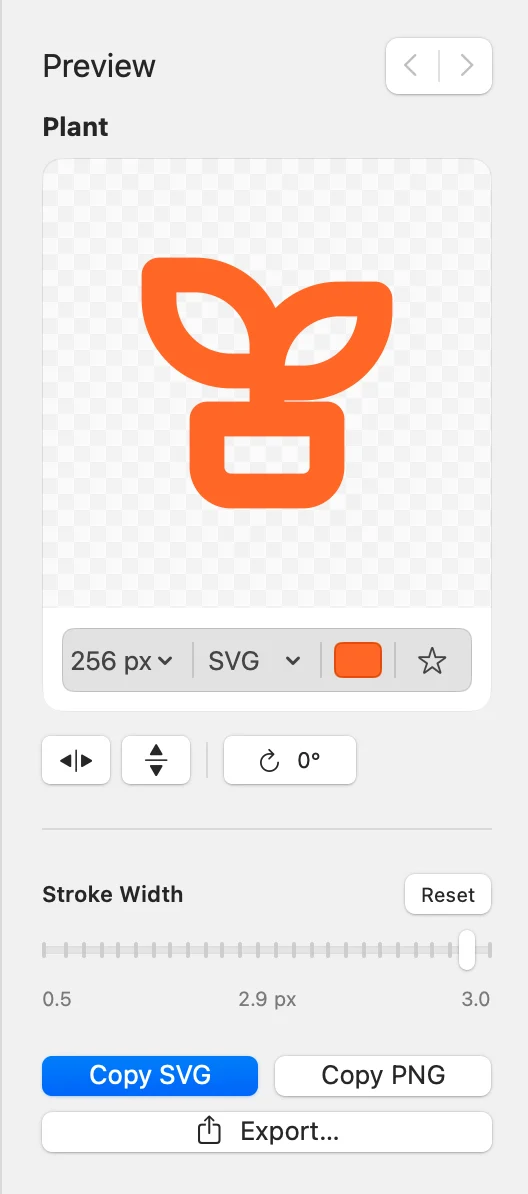
Add a row for each size and format, with optional fill, prefix and suffix.
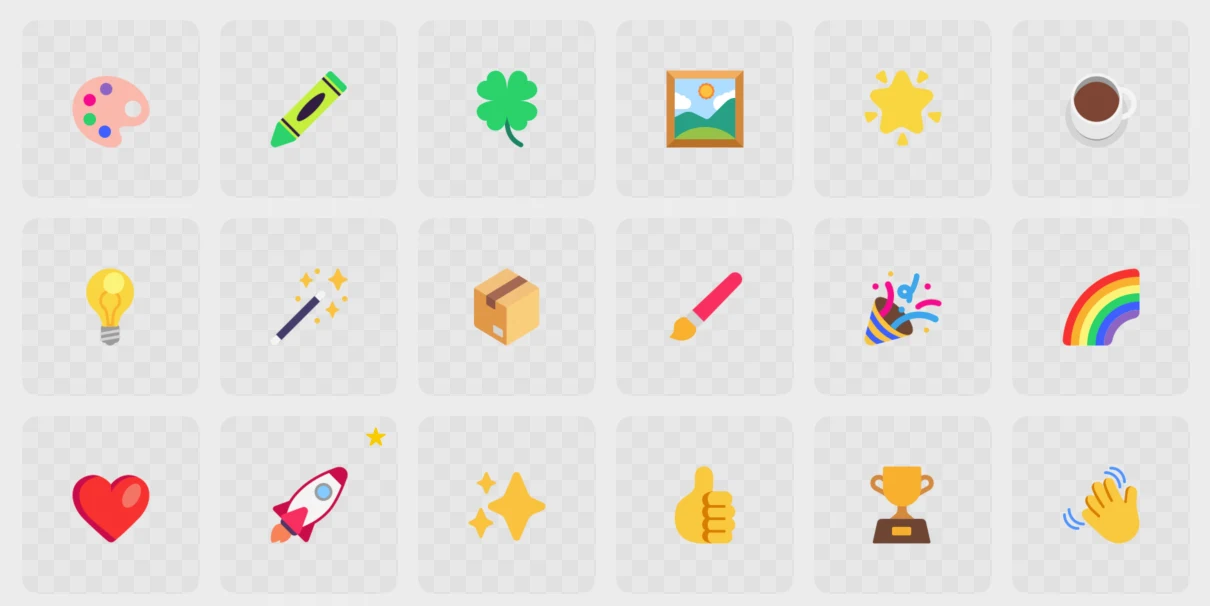
Emoji and multicolour artwork keep their original colours until you choose one.
Organise
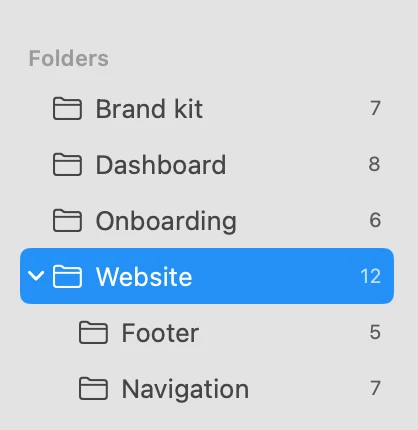
Folders are your own library. Fill them with catalog icons and imported SVGs, nest them, and open a parent folder to see everything inside, grouped.
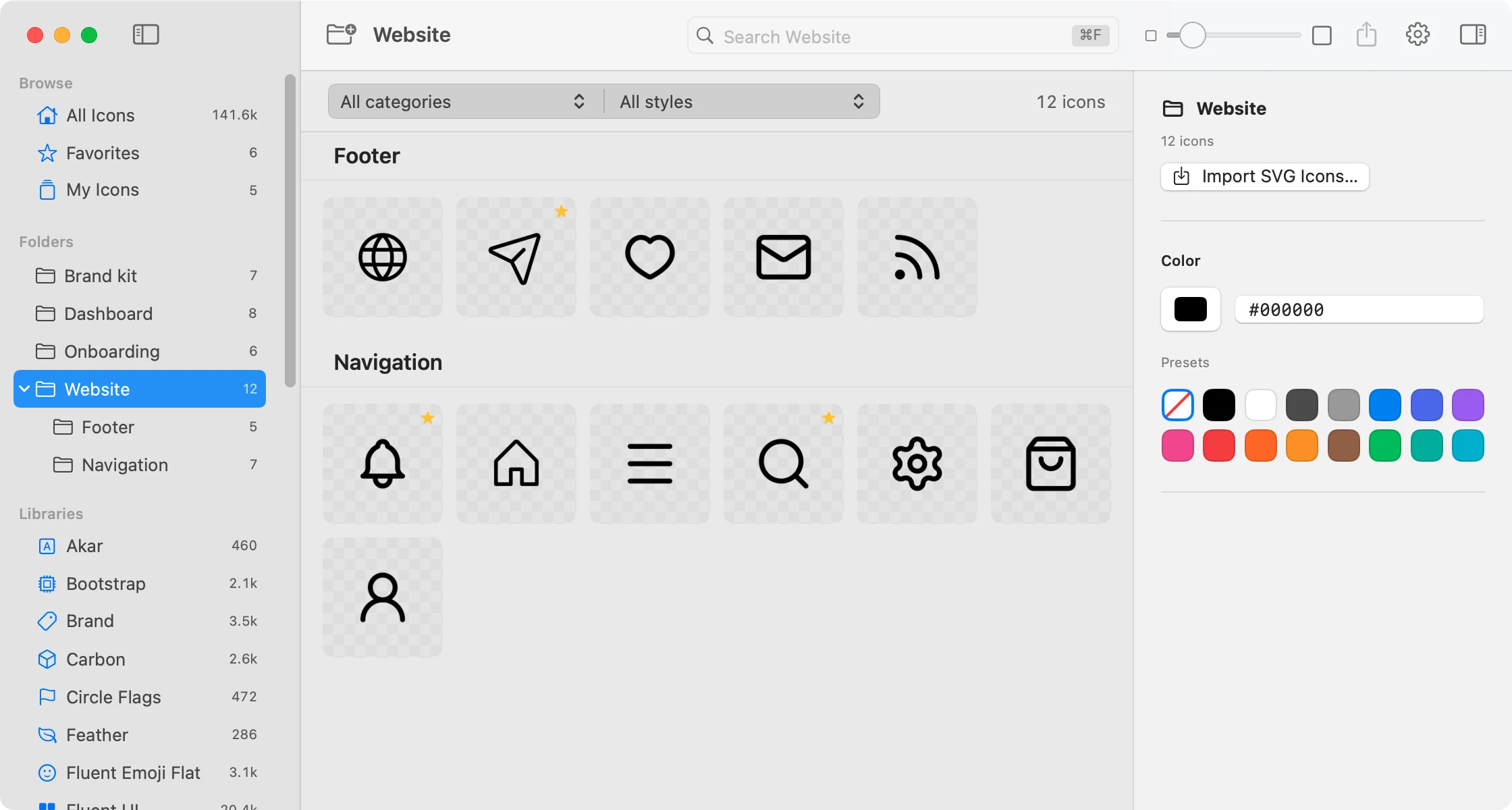
Drag SVG files onto a folder to import them. They search and export like any other icon.
Create and rename folders inline. Drag one onto another to reorganise.
Use
Press the Quick Panel shortcut from any app. Type, move with the arrow keys, press Return to copy, then paste right where you were.
Default shortcut. Change it in Settings.
Drag icons from Picket into another app. The window can step aside while you drag, then come back when you’re done.
Copy whichever format the destination wants, or export a set of sizes to a folder.
Questions
Picket is in public beta. If something is missing or broken, I’d like to hear about it.
Send feedbackThe current beta is free to download and use. There’s no account or license key to set up. Pricing for a future release hasn’t been announced.
This beta runs on Apple silicon Macs (M1 or newer) with macOS 15 or later. Intel Macs, Windows and Linux are not supported by this build. If you’d like Picket on Windows or Linux, join the waitlist.
141,602 icons from 33 open-source libraries, including Lucide, Phosphor, Tabler, Material Symbols, Fluent UI, Heroicons and Remix Icon. See every library.
Yes. On first launch Picket downloads the icon libraries from GitHub, about 34.4 MB. After that, browsing, searching, copying and exporting all work without a connection.
Yes. Create a folder and drop SVG files into it. You can make nested folders, add personal tags, and keep your own icons alongside finds from the catalog.
Yes. All 33 libraries are open source and allow commercial use. Two of them, Solar and Iconamoon (CC BY 4.0), ask you to credit the author. The rest ask, at most, that you keep their license notice if you redistribute the icon files themselves. Picket shows every icon’s license, and your imported icons keep their own terms.
Download and open the ZIP, drag Picket into Applications, then open it. The app is Developer ID signed and notarized by Apple. To report a problem or suggest an improvement, send some feedback.

Download the free beta, let Picket fetch its libraries once, and get back to making things.
Download for Mac